Description
Marvel Rivals Top-Up Guide — GG MOBILE GAMERS
Please ensure you enter the correct details to avoid any delay in receiving your Marvel Rivals Lattices.
Applicable Platform
Marvel Rivals – PC
Note: Top-up currencies are not shared across platforms. This service does not apply to PlayStation/Xbox accounts.
Applicable Server
International Server
Required Information
- Marvel Rivals User ID
How to Find Your User ID
- Open Marvel Rivals on PC.
- Tap the Avatar icon in the top-right corner of the main screen.
- Your User ID will be visible on the overview page.
How to Top-Up on GG MOBILE GAMERS
- Enter your Marvel Rivals User ID.
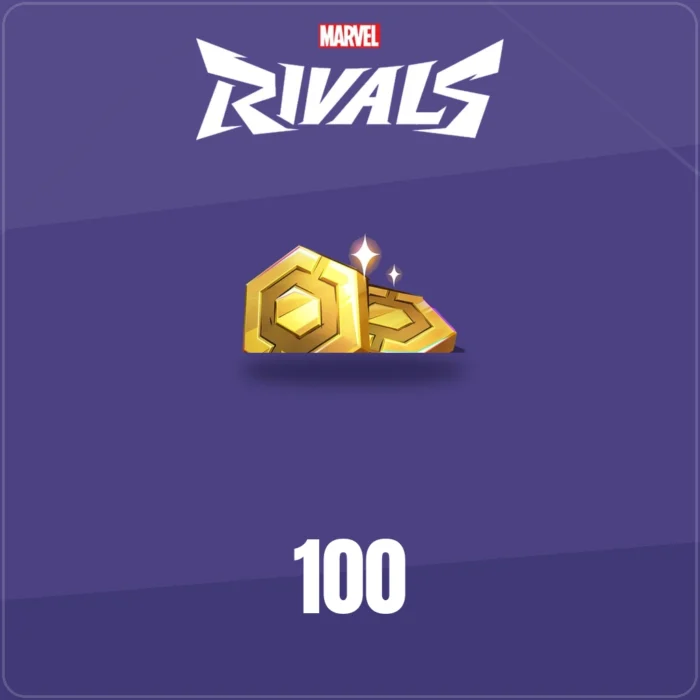
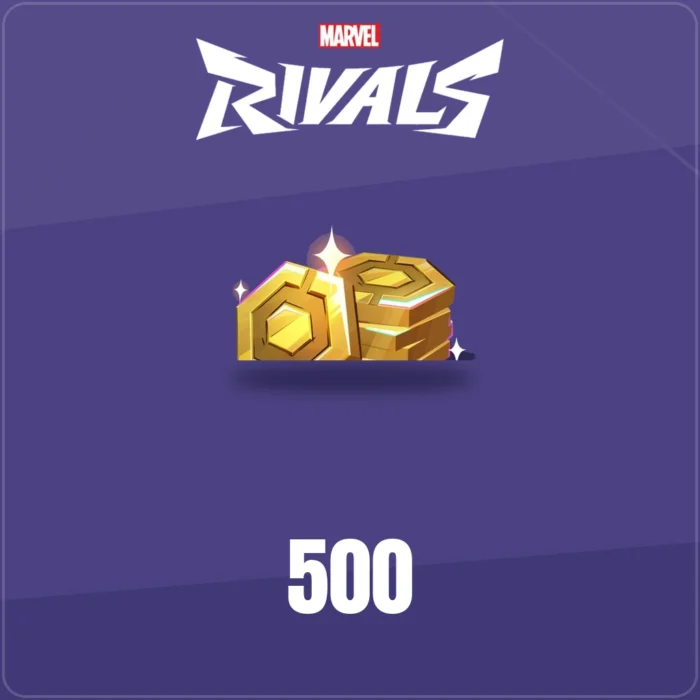
- Select the amount of Lattices you want to purchase.
- Choose your preferred payment method and click “Pay Now” to complete your order.
0.0
☆☆☆☆☆
0 reviews
Loading reviews…
Post a review